Lost
The pointer disappears into a busy screen or a second display.
rattlepop makes the pointer itself grow for a moment. Spot it, keep moving, and get back to what you were doing.
No card or email required for the 14-day trial.
Windows 10 & 11
One license · up to 3 devices
14-day refund window
The pointer changes where it already is. Nothing covers the rest of your screen.
The pointer disappears into a busy screen or a second display.
Move the mouse quickly, use your hotkey, or tap Ctrl twice.
The cursor grows, stays visible for your chosen duration, then fades away.
Two focused tools, one small tray utility.
Shake the mouse, press a hotkey, or tap Ctrl twice. The pointer grows where it already is, then fades away.
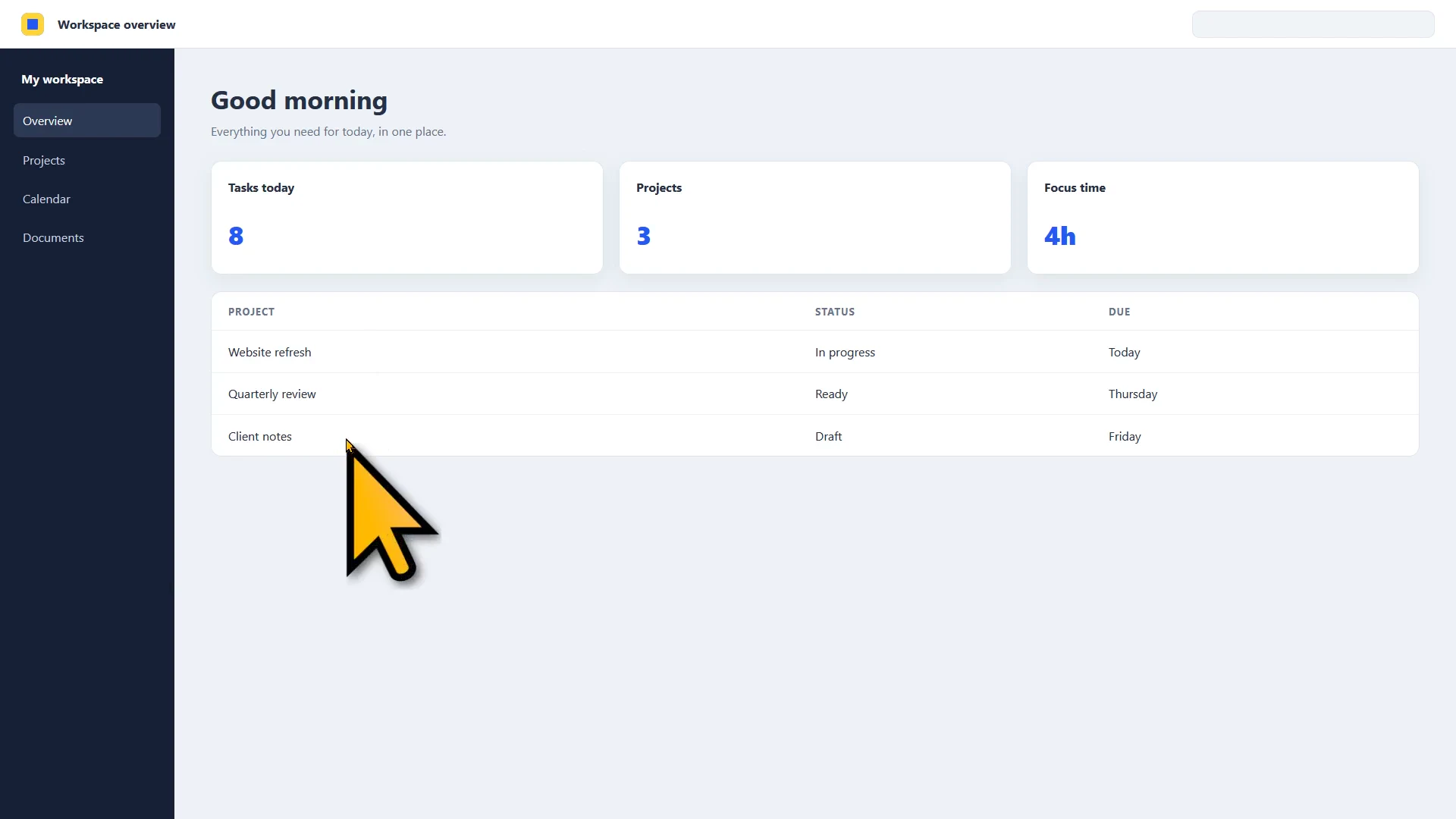
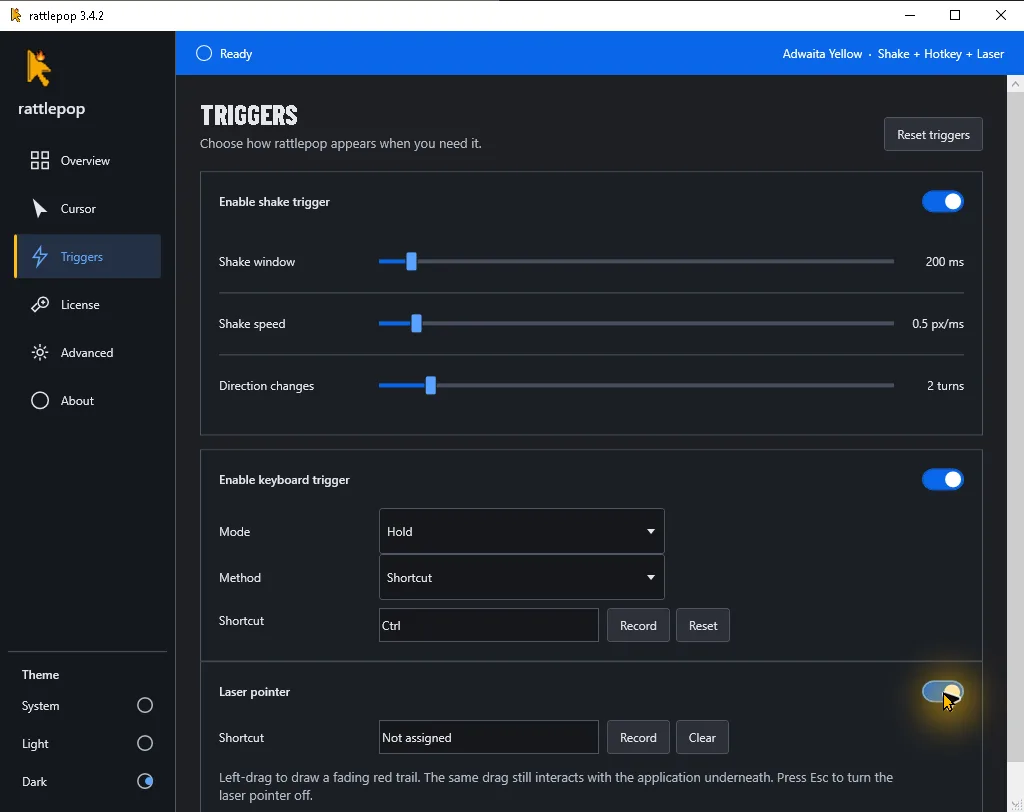
Turn Laser on, then left-drag a red trail over any app. Your drag still reaches the app underneath, and Esc turns Laser off.
Light, dark, classic, or signal yellow. Pick one and leave rattlepop in the tray.




Install it, choose how you want the pointer to appear, and leave it running in the tray.
Toggle it from the tray, the Triggers view, or an assigned shortcut. Left-drag to point, then press Esc when you are done.
Shake the mouse, press your chosen hotkey, or tap Ctrl twice.
Choose a light, dark, classic, or yellow pointer without importing anything.
Per-monitor DPI behavior keeps the enlarged pointer sharp as it crosses screens.
Tune the growth speed, size, sensitivity, and how long the pointer remains visible.
Microsoft PowerToys Find My Mouse is a good choice for many people. rattlepop is for people who want the cursor itself to grow and look the way they choose.
| PowerToys Find My Mouse | rattlepop | |
|---|---|---|
| What appears | A spotlight around the pointer | The cursor itself grows |
| Cursor styles | The normal system pointer remains | Four included HD collections |
| Activation | Shake, Ctrl, or shortcut | Shake, Double-Ctrl, or hotkey |
| Product scope | Part of a broad utilities suite | A focused cursor utility |
Every paid plan activates on up to three devices. Monthly and yearly plans include updates while active. Lifetime includes future versions that are actually released.
Flexible. Cancel anytime.
Start trialAbout $0.83 per month. Save 58%.
Start trialNormally $15. Pay once and keep it.
Get lifetimeVerified student? Get a lifetime license for $8. See how to verify.
Early unsigned releases can show “Windows protected your PC.” We explain this before download so there are no surprises.
Still unsure? Email support@rattlepop.click.
No. The full 14-day trial starts on first launch.
Paid licenses work offline. The app asks for a license refresh after 20 days and requires one after 30 days.
Yes. One paid license activates on up to three devices.
No. rattlepop is for Windows 10 and Windows 11.
Try the full app for 14 days. No card or email required.